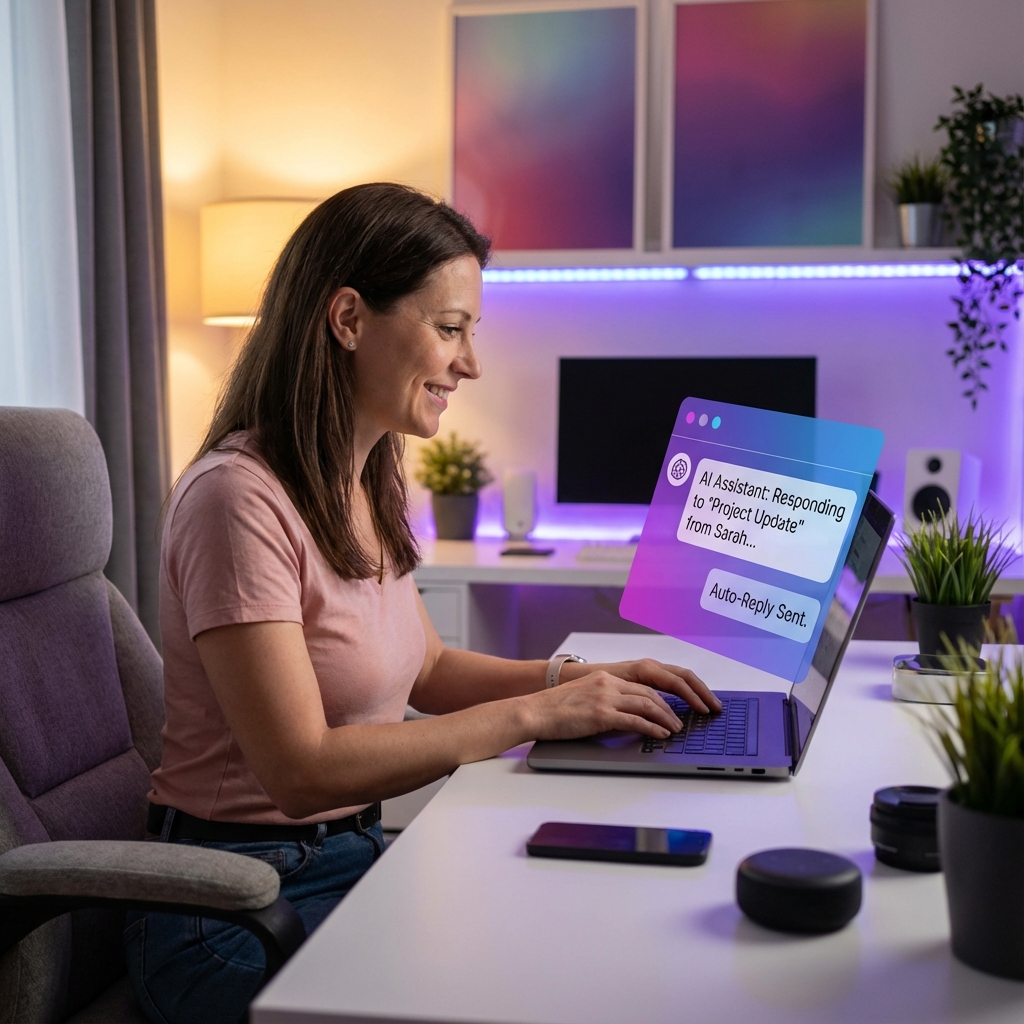
AI Chatbots for Freelancers: How to Automate Client Intake, Scheduling, and FAQs
As a freelancer, your brain is your primary asset. Whether you’re a developer writing code, a designer crafting a brand, or a writer architecting a story, you are getting paid for your specialized expertise. However, many freelancers spend up to 40% of their week doing non-specialized tasks:
- Answering the same question about their rates for the 10th time today.
- Vetting a lead who clearly doesn't have the budget for their services.
- Sending portfolio links to a prospect who "just wants to see examples."
- Playing "Calendar Tennis" to book a 15-minute discovery call. This is the "Freelancer Admin Tax," and it's holding you back from your next income milestone. In 2025, the solution is to implement an AI chatbot for freelancers. This isn't just about "chatting"—it's about building a digital receptionist that handles the top-of-funnel noise so you can focus on the work that actually generates revenue. In this guide, we’ll show you how to build a conversational assistant that acts as a "Gatekeeper" for your freelance business.
Table of Contents
- The 'Always-On' Problem for Solopreneurs
- What an AI Assistant Can (and Should) Do for You
- The Vetting Workflow: How to Stop Wasting Time
- Training Your AI on Your Portfolio and Rates
- Integrating AI with Your Booking and Payment Tools
- Case Study: The Freelance Designer who Found 10 Hours
- The ROI: How Automation Increases Your Hourly Rate
- FAQ Section
The 'Always-On' Problem for Solopreneurs
The biggest stressor for freelancers is the fear of "Missing the Lead." You feel like you have to be "Always On"—replying to DMs at 11:00 PM or answering emails during your workout—because you don't want a prospect to move on to the next person. This leads to burnout and a lack of focus. An AI assistant for consultants and freelancers changes the dynamic. Instead of you being the "First Responder," let the AI handle the initial interaction. It provides the customer with the "Instant Gratification" they crave, while allowing you to stay in "Deep Work" mode. According to a study by Upwork, 64% of freelancers are now using AI to some degree in their daily workflow. The ones who use it for communication are the ones seeing the highest time-savings. [INTERNAL_LINK: how-to-automate-freelance-business]
What an AI Assistant Can (and Should) Do for You
Don't ask your AI to do everything. Focus it on these four "High-Volume" areas:
- Information Delivery: "What are your packages?", "Do you have a portfolio for [Niche]?", "How does your process work?"
- Lead Qualification: Asking about budget, timeline, and decision-making status.
- Availability Checks: Checking your Calendly and offering slots to qualified leads.
- Objection Handling: Answering questions about your experience, refund policies, and software stack.
The Vetting Workflow: How to Stop Wasting Time
The "Perfect Vetting Flow" on Tagnovate looks like this:
- Phase 1: Greeting & Intent. The AI greets the visitor and asks if they are looking for a service or just browsing.
- Phase 2: The Filter. If they want a service, the AI asks: "Our project minimum for [Service] is $1,500. Does that work for your current project scope?"
- Phase 3: The Proof. If they say yes, the AI offers a specific case study that matches their industry.
- Phase 4: The Close. The AI provides the booking link. This ensures that the only people on your calendar are those who are "Pre-Educated" and "Pre-Qualified." [INTERNAL_LINK: lead-generation-chatbot-for-website]
Training Your AI on Your Portfolio and Rates
To make the AI useful, you must feed it your business data (RAG).
- Upload your PDF Service Guide.
- Upload your standard FAQ document.
- Upload a text file of your "Favorite Client Results." Using the Tagnovate Knowledge Hub, the AI will learn these in seconds. If a client asks, "Can you do a 2-week turnaround?", the AI reads your policy and replies, "Our standard lead time is 4 weeks, but we offer an 'Express Fee' for 14-day delivery. Would you like to see our express pricing?" [INTERNAL_LINK: ttrain-ai-chatbot-on-my-pdf]
Integrating AI with Your Booking and Payment Tools
Automation only works if it's connected. Ensure your client communication automation tool talks to:
- Calendly / SavvyCal: For booking.
- Stripe / PayPal / Wise: For taking deposits.
- ConvertKit / MailerLite: For adding leads to your newsletter. On Tagnovate, you can set "Actions" that the AI takes once it reaches a certain point in the conversation.
Case Study: The Freelance Designer who Found 10 Hours
Sarah, a brand designer, was spending 2 hours every day answering the same "how much?" and "how long?" questions in her Instagram DMs. She was stressed and her creative work was suffering. The Fix: She added a Tagnovate AI assistant to her bio. She trained it on her "2025 Branding Packages" PDF and her "Portfolio Case Studies." The Result:
- 75% Reduction in manual DM replies.
- 10 Hours Reclaimed per week.
- $3,000/mo Revenue Increase (because she used those 10 hours to take on one extra client per month).
- Better Leads: She stopped receiving "low-ball" offers because the AI handled the budget talk before they ever reached her.
The ROI: How Automation Increases Your Hourly Rate
If you earn $100/hr and you save 10 hours of admin a week, you've just given yourself a $1,000/week raise. In the context of a solo freelance business, that is the difference between "Getting By" and "Scaling Up." Automation isn't about laziness; it's about Strategic Resource Management.
Conclusion
The AI chatbot for freelancers is the ultimate "force multiplier." It allows you to operate with the efficiency of a 5-person agency while staying a Nimble Solopreneur. In 2025, your bio link shouldn't just be a list; it should be a salesperson that never sleeps. Stop being your own receptionist. Start being the CEO of your freelance business.
FAQ Section
Will using a bot make me look "cheap"?
Ironically, it makes you look more premium. High-ticket clients value efficiency. When they get an instant, intelligent answer from your AI, it tells them you have professional systems in place.
Is it hard to set up?
No. Platforms like Tagnovate are built for non-techies. You upload your docs, choose a color, and you're live.
Can I turn the bot off if I want to talk to the lead myself?
Yes! Most builders allow for "Human-in-the-loop." You can get a notification when a high-value lead is chatting and "jump in" to take over the conversation at any time.
Does it work with my existing website?
Yes. You can embed the Tagnovate chat widget on your portfolio site or just use the bio link URL—or both!
What if I have a very niche, complex service?
That’s where RAG shines. The more complex your data, the more your business needs an AI to explain it accurately 24/7. {/* IMAGE SUGGESTIONS */}
- Hero: A header image with the text "The 40% Admin Tax" showing a freelancer splitting their time between "Art" and "Admin."
- Infographic: "The Vetting Flowchart" – showing how the AI filters leads by budget and timeline.
- Chart: "Hourly Rate Boost" – showing how saving admin time increases real earnings.
- Screenshot: The Tagnovate "Conversation Logs" showing a lead being qualified and booked. {/* SCHEMA SUGGESTION: Article, FAQ, HowTo /} {/ INTERNAL LINKS TO ADD */}
- [INTERNAL_LINK: best-link-in-bio-for-selling-digital-products]
- [INTERNAL_LINK: how-to-automate-freelance-business]
Tags
Ready to transform your link-in-bio?
Join thousands of creators using Tagnovate's AI-powered platform to engage visitors and boost conversions.
Start Free Trial